An online meeting that takes its own notes
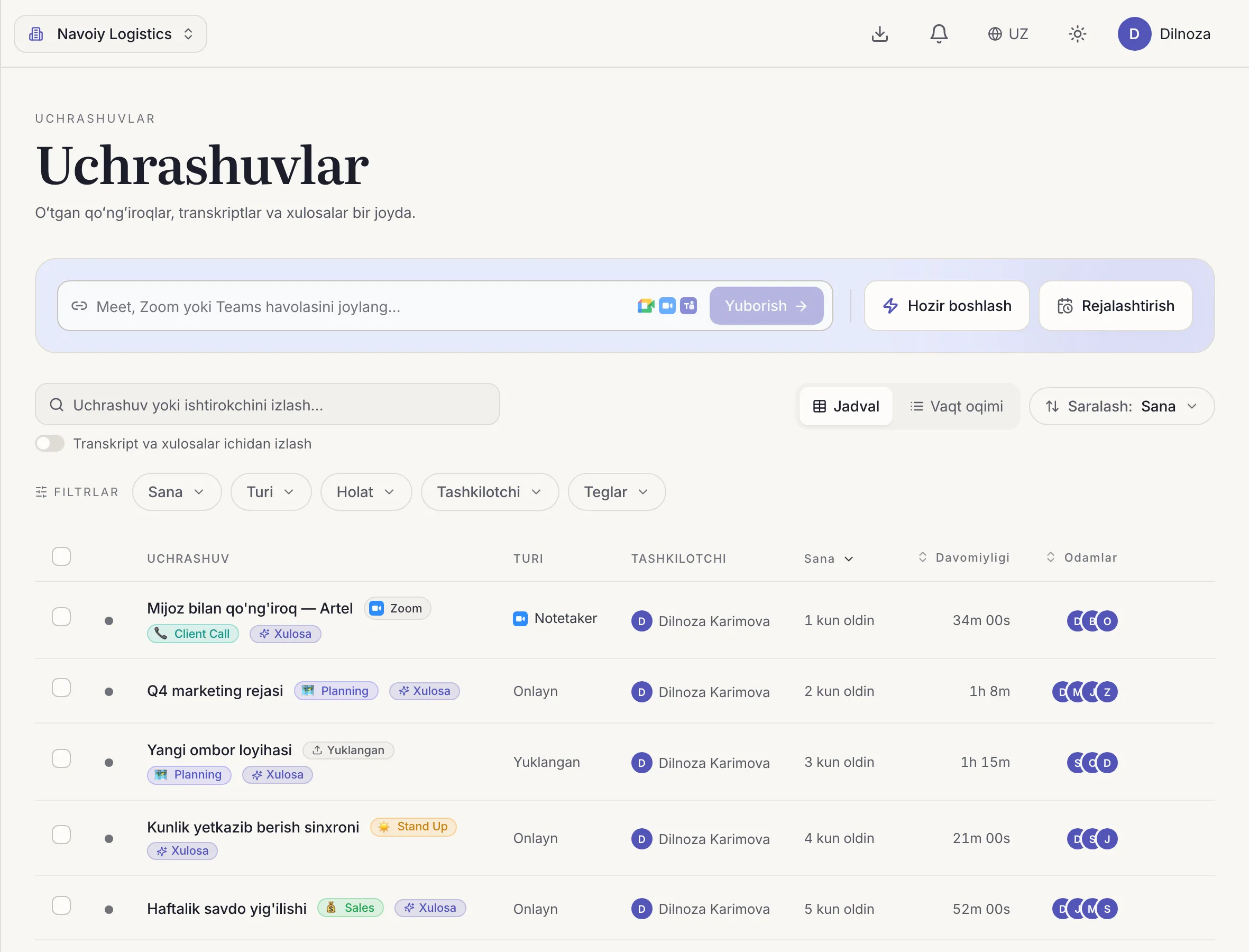
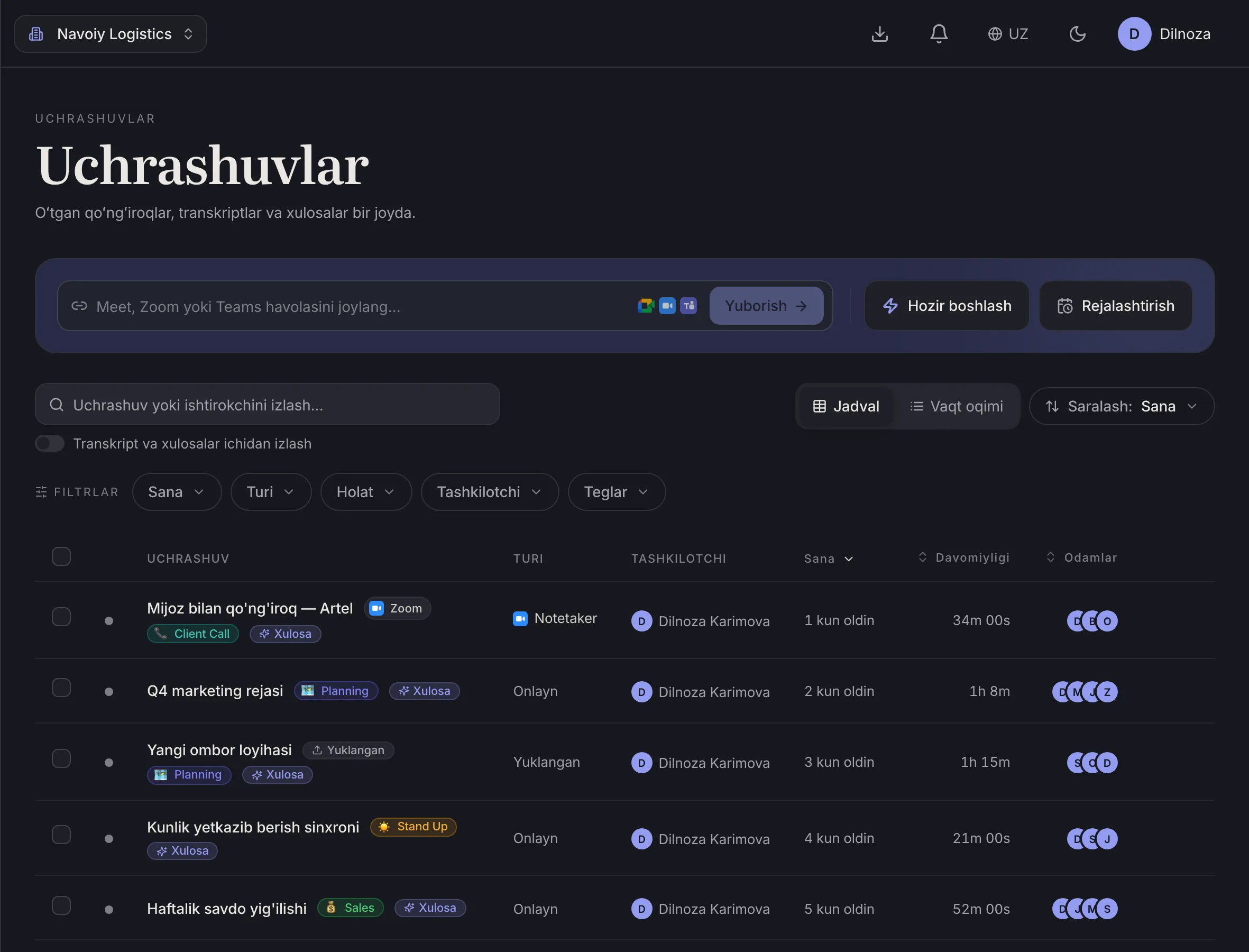
Host calls in Dicta's own meeting room: meeting recording, a transcript by speaker and a summary come built in, with no extra tools.
The problem
The call lives in one place, the notes in another
The meeting is in one app, the recording in a second, the transcript in a third. Someone forgets to record, someone else forgets to send the file.
Decisions end up buried in chat, and two weeks later nobody remembers what was agreed.
How Dicta solves it
From call to takeaways
- 1
Create a meeting
Start instantly or schedule it. People join with a link or a meeting code.
- 2
Invite guests
Guests need no account and nothing to install.
- 3
Just talk
Dicta records on its own and transcribes Uzbek, Russian or English.
- 4
Get the takeaways
Topics, decisions and tasks are ready as soon as the call ends.
What you get for this use case
-
Guests join by link
No account and no install. A meeting code works too.
-
AI summary and minutes
Topics, decisions and action items with owners, minutes after the meeting ends.
-
Webinars
Up to about 600 participants.
-
AI chat across meetings
Ask what was agreed in past meetings and get an answer.
Frequently asked questions
Is Dicta a good fit for online meetings in Uzbekistan?
Yes. Dicta was built in Uzbekistan, meetings run in the browser and the apps, and transcripts in Uzbek work out of the box.
Do guests need an account?
No. Guests join by link, with no account and no install.
Can I run a webinar?
Yes, with up to about 600 participants.
What about meetings on Zoom or Meet?
Dicta has a bot for those. It has its own page: the notetaker bot for Zoom, Meet and Teams.
Record your first meeting today
Start on the free plan. No card needed.