Record the meeting on your phone, let Dicta write the minutes
Put your phone on the table and get meeting minutes by speaker, with decisions and action items. Speech-to-text works in Uzbek, Russian and English.
The problem
Writing up minutes eats hours after every meeting
The meeting ends, everyone leaves, and someone sits down to rebuild the minutes from scribbled notes. Who said what is already fuzzy, decisions are vague, owners go missing.
A plain voice recording only trades that for another hour of listening. No text, no speakers, nothing to search.
How Dicta solves it
Minutes in four steps
- 1
Open Dicta
Start an in-person recording on iOS or Android and put the phone in the middle of the table.
- 2
Hold the meeting
Talk as you normally would. Switching between Uzbek and Russian is fine.
- 3
Stop the recording
It uploads, and Dicta separates the voices by speaker and transcribes them.
- 4
Read the minutes
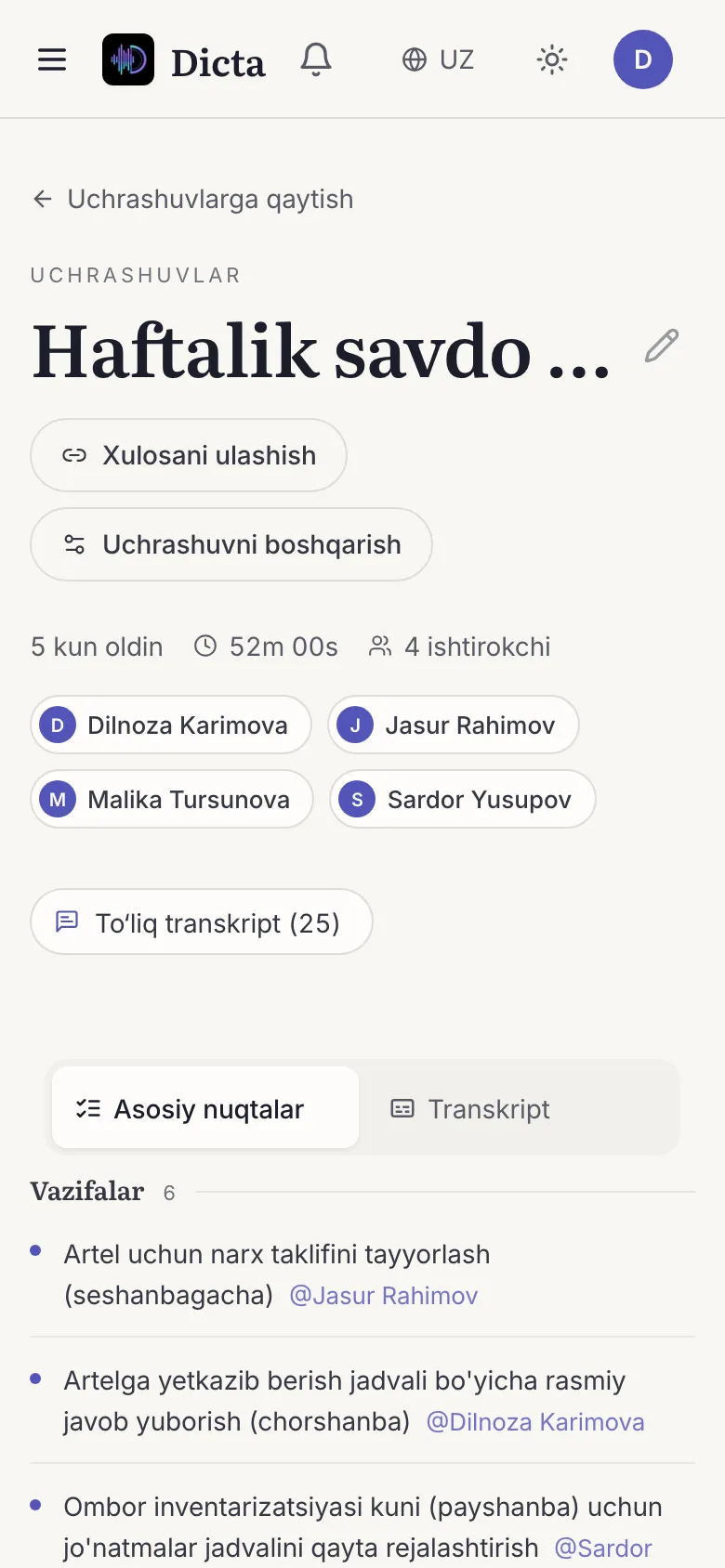
Topics, decisions and action items with owners, ready to read and share.
What you get for this use case
-
Speaker separation
The transcript shows who said what, with no manual tagging.
-
AI summary and minutes
Topics, decisions and action items with owners, minutes after the meeting ends.
-
Tasks
Agreements land in one list and can be exported to tools such as Trello.
-
Uzbek, Russian, English, Arabic
Transcripts hold up when people switch languages mid-sentence.
Frequently asked questions
Are speakers separated when only one phone recorded?
Yes. Dicta tells voices apart (speaker diarization), so the transcript shows who said what.
Can I get meeting minutes in Uzbek?
Yes. Dicta transcribes Uzbek, Russian and English, including conversations that mix languages.
What about a big room with many people?
Use Round table: everyone records on their own phone and Dicta merges the tracks.
What if there is no internet?
You can record on the phone; the transcript and summary are produced once the recording uploads.
Record your first meeting today
Start on the free plan. No card needed.