Automatic minutes for sessions and official meetings
Record sessions, council meetings and working meetings: a transcript by speaker, plus decisions and assignments, in Uzbek and Russian.
The problem
Minutes take a dedicated staff member
After every session a secretary rebuilds the minutes from a notebook and recordings. It takes days, some remarks are lost, and assignments and deadlines come out vague.
When the session runs in both Uzbek and Russian, it only gets harder.
How Dicta solves it
From session to minutes
- 1
Record the session
On a phone in the room, in Round table mode for a large body, or online in a Dicta room.
- 2
Get the transcript
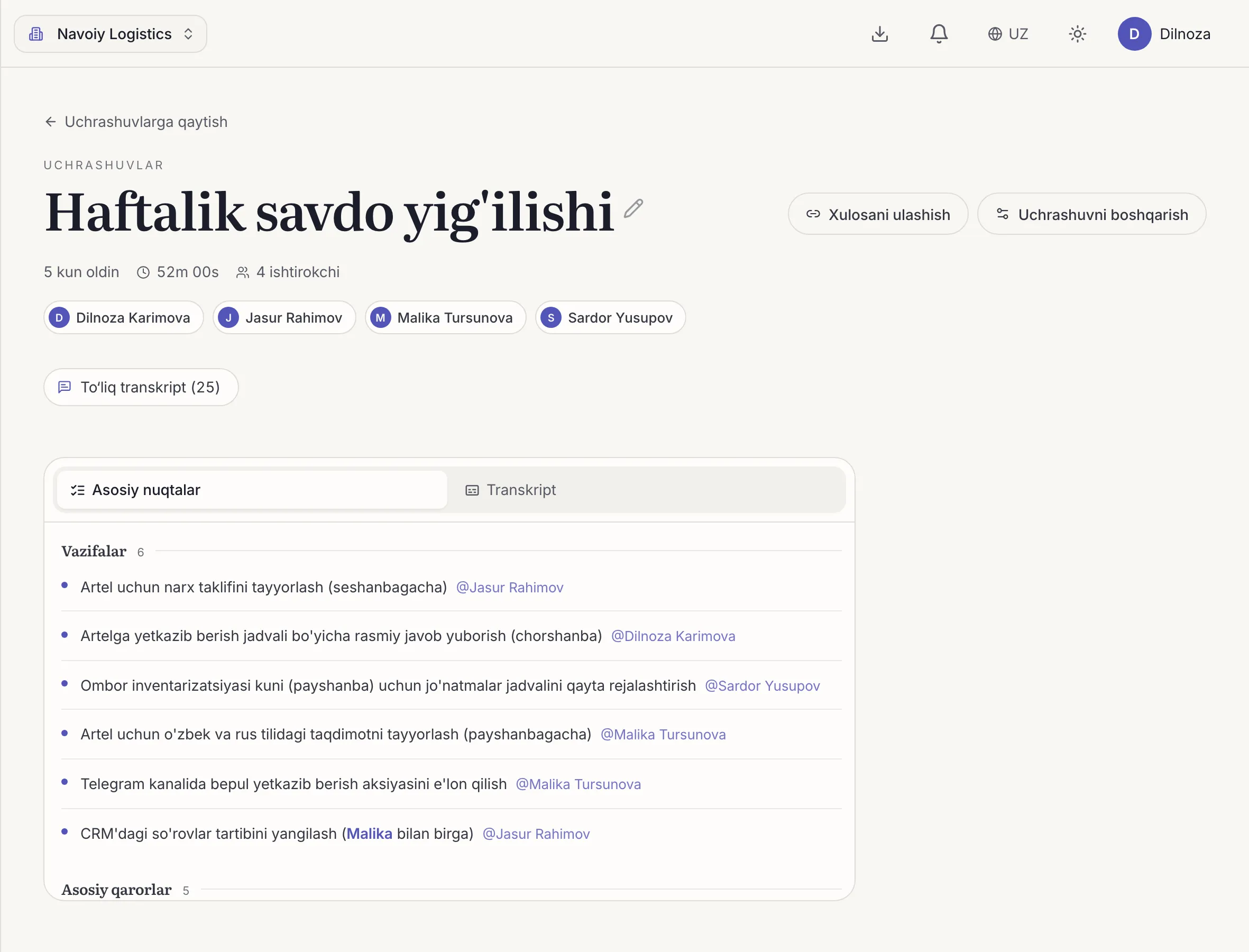
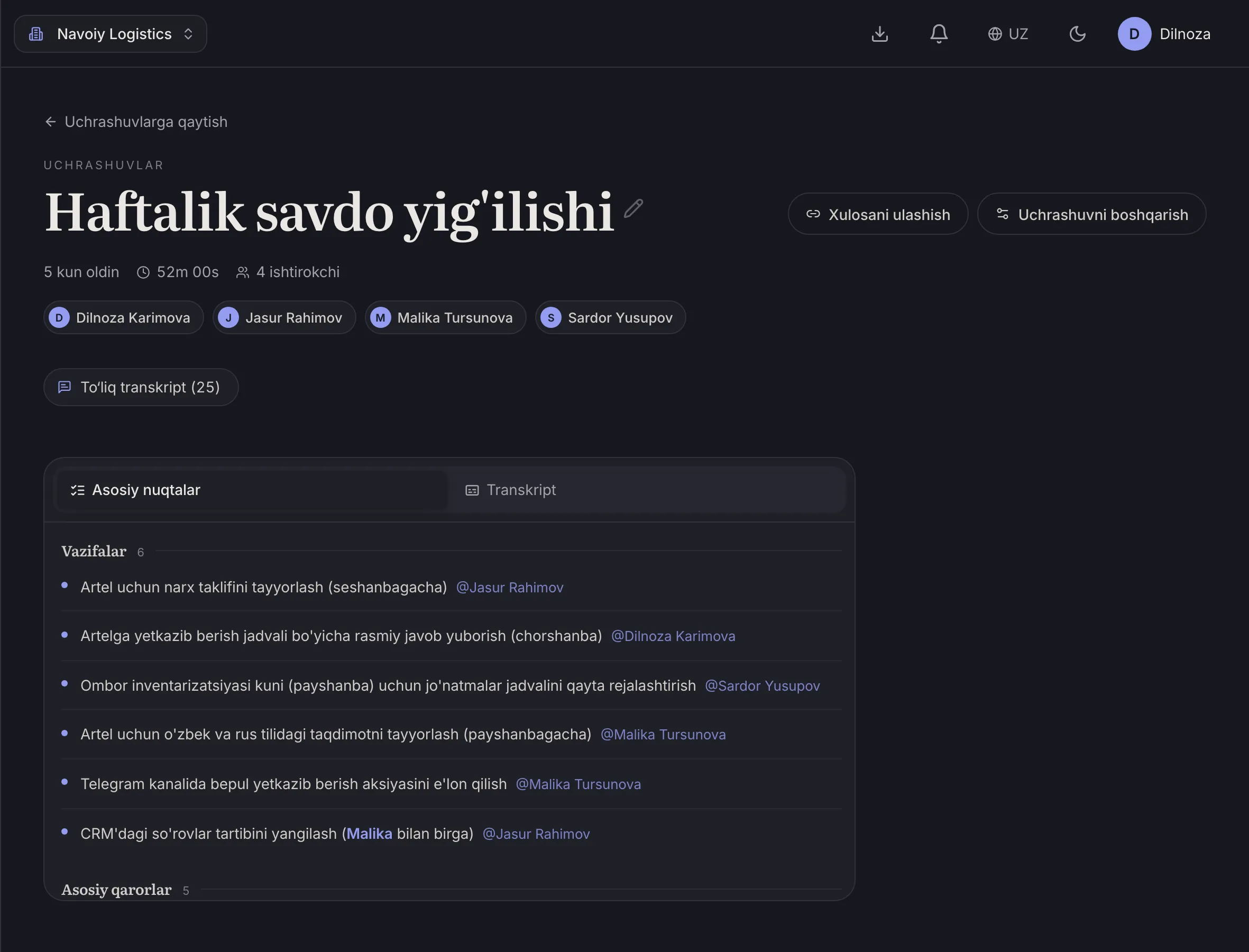
Uzbek and Russian text, separated by speaker and timestamped.
- 3
Check the decisions
The AI summary lists topics, decisions taken and assignments with owners.
- 4
Circulate
The finished summary goes out to the team, via Telegram if you like.
What you get for this use case
-
Speaker separation
The transcript shows who said what, with no manual tagging.
-
Uzbek, Russian, English, Arabic
Transcripts hold up when people switch languages mid-sentence.
-
AI summary and minutes
Topics, decisions and action items with owners, minutes after the meeting ends.
-
Recaps in Telegram
The finished summary is delivered through Telegram.
Frequently asked questions
Does Dicta replace the official minutes?
Dicta drafts the minutes quickly. A responsible staff member should still review and approve the final document.
Does it work for sessions that mix Uzbek and Russian?
Yes. Dicta recognises Uzbek, Russian and English, including when speakers switch.
How is the data handled?
We do not sell your data or train AI models on your meetings. Recordings sit in private storage and you can delete them yourself.
Record your first meeting today
Start on the free plan. No card needed.