Record the lecture, let Dicta write your notes
For students: record lectures on your phone, convert audio to text and get a short summary for a quick review before the exam.
The problem
While you write, you stop following
The lecturer talks fast and you cannot keep up. Focus on writing and you lose the thread; focus on listening and your notes have gaps.
Before the exam you are left with unreadable scribbles and holes.
How Dicta solves it
From lecture to study notes
- 1
Start recording
At the start of the lecture, begin recording in Dicta or upload an existing audio file.
- 2
Listen
Skip the note-taking and follow the topic. Dicta does the rest.
- 3
Get the text
A full transcript with timestamps, so any moment is easy to revisit.
- 4
Revise from the summary
Main topics in brief, for a quick pass before the exam.
What you get for this use case
-
File upload
Upload an audio or video file and get a transcript and summary.
-
Search and timestamps
Find any word and jump to that exact moment in the recording.
-
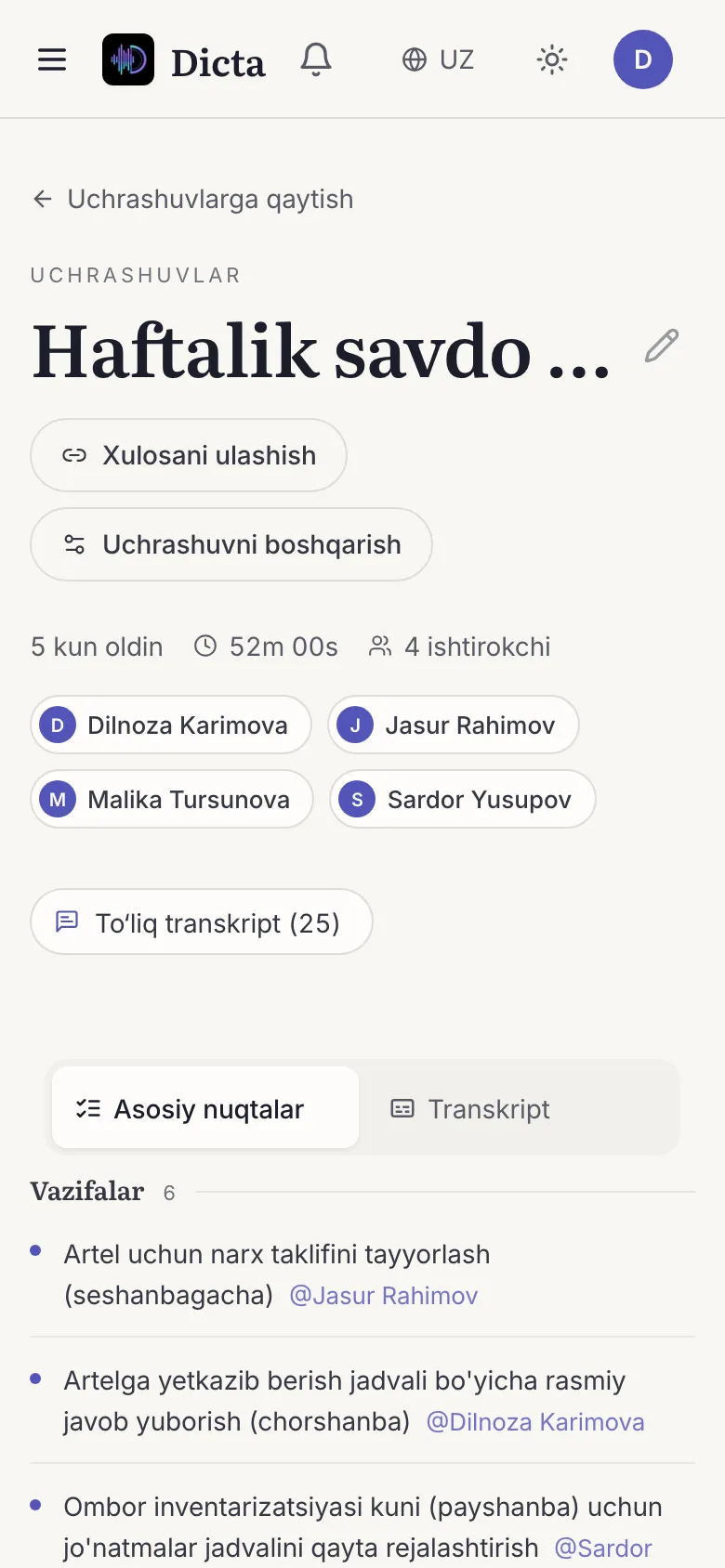
AI summary and minutes
Topics, decisions and action items with owners, minutes after the meeting ends.
-
iOS and Android apps
If your phone is with you, the recorder is too.
Frequently asked questions
Can I transcribe a lecture in Uzbek?
Yes. Dicta works with Uzbek, Russian and English.
Can I upload an existing recording?
Yes. Upload an audio or video file and get a transcript and summary.
Do I need permission to record a lecture?
Yes, check your teacher's or university's rules first and ask for permission.
Is it useful for teachers too?
Yes: department meetings, staff councils and lesson reviews can be recorded and turned into minutes.
Record your first meeting today
Start on the free plan. No card needed.