A notetaker bot for Zoom, Google Meet and Teams
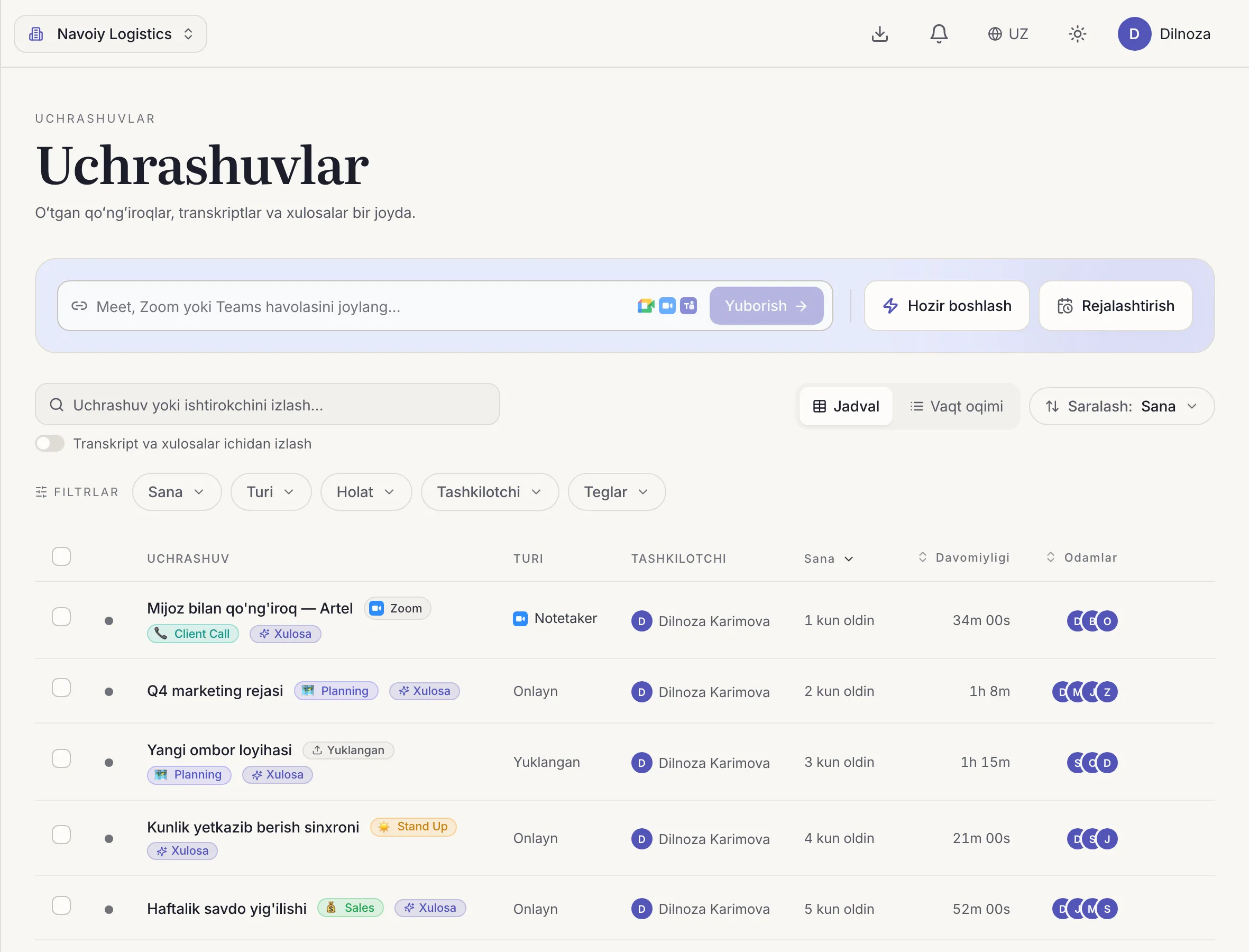
Paste the meeting link and Dicta joins the call, records it and sends you the transcript and summary.
Why teams use it
Works with the tools you use
Zoom, Google Meet and Microsoft Teams, with no change to how your team meets.
You can stay present
The bot takes the notes, so you can listen and talk instead of typing.
Same output as every path
A recording, a transcript with speakers and an AI summary with action items.
How it works
- 01
Paste the link
Add the Zoom, Meet or Teams meeting link in Dicta.
- 02
The bot joins
It enters the call and records it.
- 03
Get the results
After the call you find the transcript, summary and tasks in your account.
Questions
Which platforms does the bot support?
Zoom, Google Meet and Microsoft Teams.
Do I need to be the host?
You need a link to the meeting. The bot joins as a participant, so tell the people on the call that it is recording.
What do I get after the call?
A recording, a transcript with speakers and an AI summary with decisions and action items.
Related features
Try it on your next meeting
Sign up free and get your first transcript and summary.